IT support and administration
Reliable IT System Support for Everyday Operations
We explain how system support, server maintenance, network administration and backup planning fit together, so that your IT runs steadily and problems are handled before they stop your work. Read our articles and explore the services we describe.

Publishing plan
Topics we plan to cover next
Our editorial plan focuses on practical questions about running IT systems reliably. The topics below are planned areas rather than announced releases.
These topics are planned but there are no fixed publication dates; articles appear when they are ready.
-
Remote help desk workflows
How ticket handling, priorities and escalation paths can be organised for remote IT support.
-
Cloud system administration basics
Key responsibilities when hosting workloads in the cloud, including access control and configuration review.
-
Monitoring that actually helps
Choosing alerts and metrics so that teams see relevant problems without being flooded by noise.
-
Performance tuning for aging servers
Identifying bottlenecks in storage, memory and services before upgrades become urgent.
-
Writing an IT disaster recovery plan
Structuring roles, recovery order and communication for incidents that affect the whole infrastructure.
Where next
Continue exploring
-
Read the blog
Practical articles on IT system support, maintenance, patching and recovery planning.
-
Browse our services
An overview of managed system support and server and network administration.
-
About IT-Service Rottenkolber
Learn what we focus on and how we approach the administration of IT systems.
Latest articles
Recent reading on system support
Our most recent articles explain the foundations of system support, maintenance routines, patching and backup planning.
-

IT System Support: What It Covers and How It Works
A practical look at the core tasks of IT system support and how responsibilities are typically shared between internal teams and external providers.
-

Server Maintenance: A Routine That Prevents Downtime
Unplanned outages rarely come without warning. A steady maintenance routine helps you spot problems early and keep services running.
-
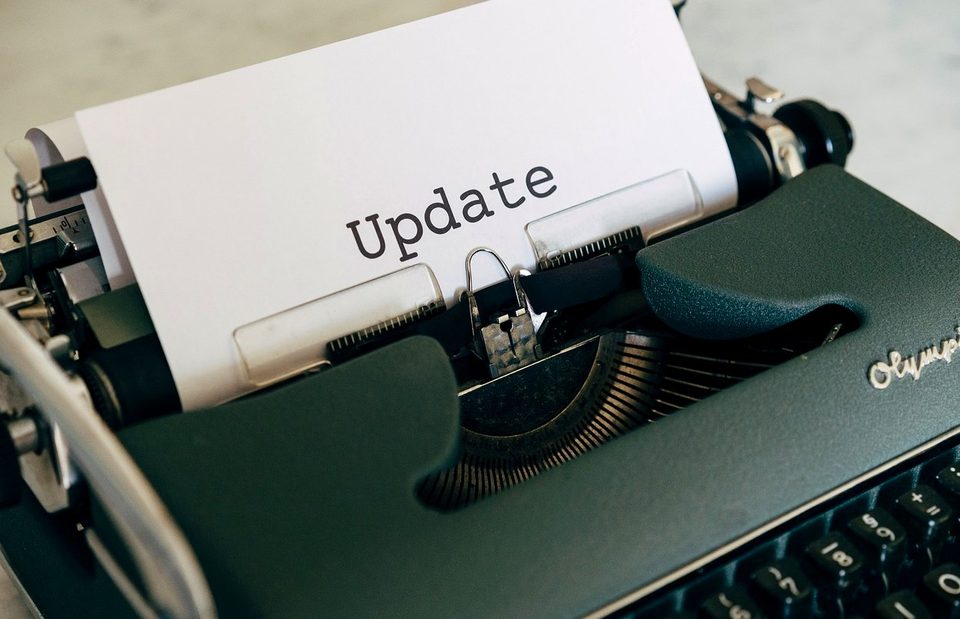
Software Updates and Patching Without Disrupting Operations
Patching keeps systems secure, but poorly planned updates can interrupt work. Here is how to balance both.
-
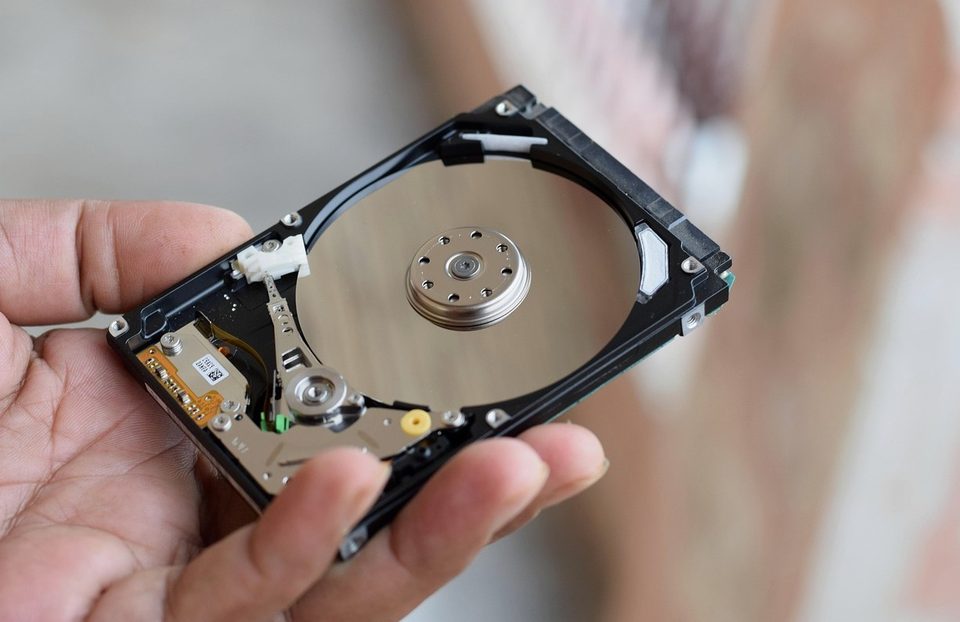
Data Backup, Recovery and Disaster Recovery Planning
Backups only protect a business when they are designed around how quickly systems must return and how much data can be lost.
FAQ
Frequently asked questions
What does IT system support usually include?
It typically covers monitoring, incident handling, user account management, software updates, backups and documentation of the systems in use. The exact scope depends on the environment and the agreed responsibilities.
Why is regular server maintenance important?
Routine checks of logs, storage, services and updates help detect wear and misconfiguration early, which reduces the chance of unplanned downtime.
How can software updates be applied without disrupting work?
Updates are usually tested first, scheduled outside peak hours and rolled out in stages, with a rollback path prepared in case something fails.
What is the difference between backup and disaster recovery planning?
A backup is a copy of data. Disaster recovery planning defines how systems, data and people are restored in a defined order after a serious incident.
Can small networks benefit from cybersecurity monitoring?
Yes. Monitoring access, updates and unusual activity is useful for networks of any size, and the effort can be adjusted to the number of devices and users.
Plan the support your IT systems need
If you want to discuss how system support, server maintenance or network administration could be organised, get in touch through our contact form and describe your current setup.